Interface

Your projects, as a small city

A person opens a local page and sees their projects as a small low-poly city: one building per project, one floor per area agent, an owl at a desk on each floor, and a card for whatever is waiting for the person. It is the view onto the task runtime, not a separate product.

The real interface is a local page that the openhora runtime serves on your own machine, at 127.0.0.1 by default (an opt-in flag, --lan, serves a private LAN address). The tour below is a demo of it on fictional data.

01

The tour

the real interface, in demo mode · you can take over at any time
demo · fictional data fictional project
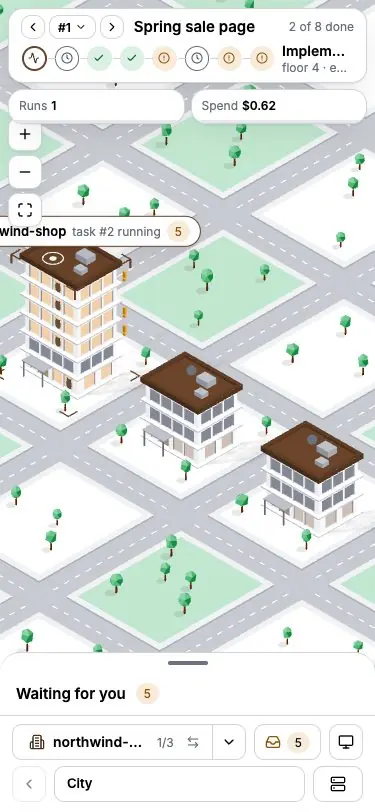
The City screen of the local interface, fictional data: an isometric plot with one low-poly building per project, the Runs today card, the tracking bar of the followed request and the Waiting for you card. The City screen of the local interface, fictional data: an isometric plot with one low-poly building per project, the Runs today card, the tracking bar of the followed request and the Waiting for you card. The City screen of the local interface, fictional data: an isometric plot with one low-poly building per project, the Runs today card, the tracking bar of the followed request and the Waiting for you card. The City screen of the local interface, fictional data: an isometric plot with one low-poly building per project, the Runs today card, the tracking bar of the followed request and the Waiting for you card.

Loading the interface in demo mode…

02

Five screens

every screenshot is fictional data, except the Control room's skill list

01 / 05

City

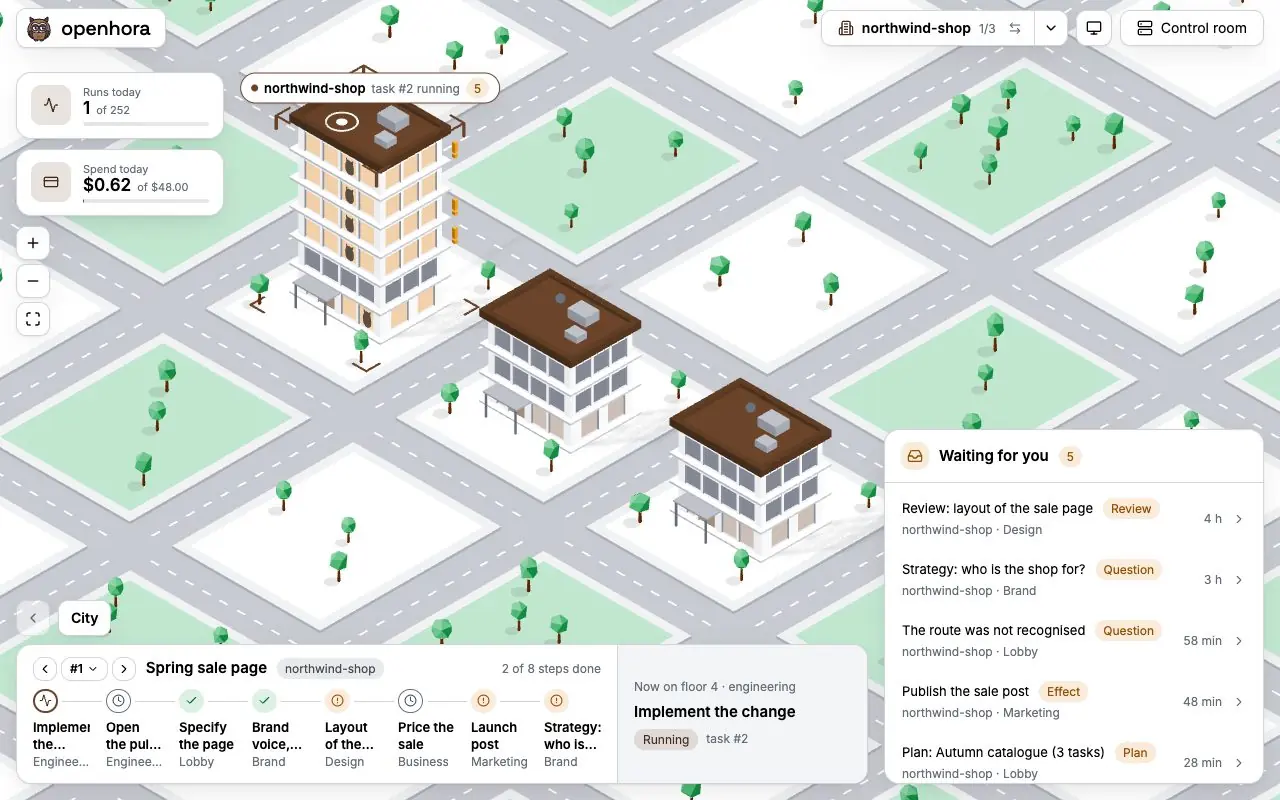
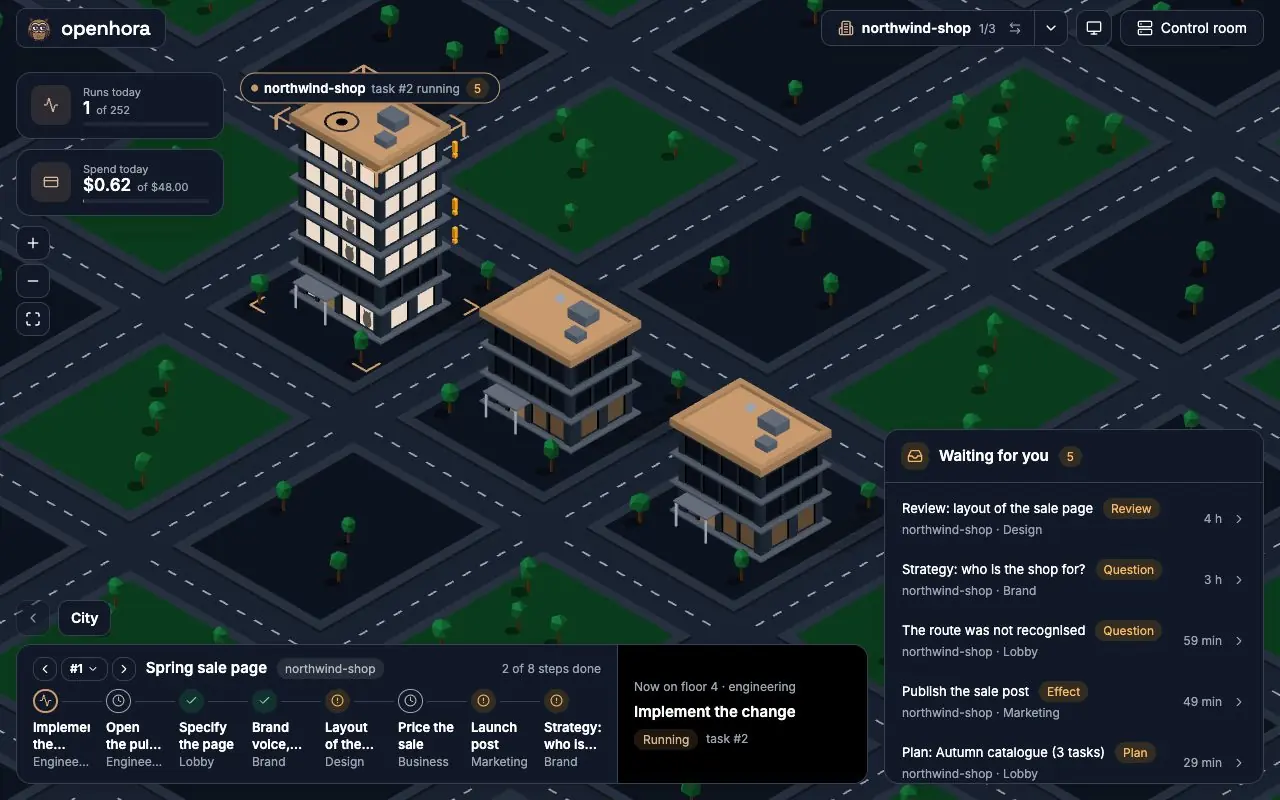
An isometric plot: one building per project, in flat low-poly faces

It shows the KPI cards, the camera buttons, the project switcher, the colour-mode button, the “Control room” door, the tracking bar and the “Waiting for you” card.
local service · 127.0.0.1fictional data
The City of the local interface, fictional data: three project buildings, the KPI cards, the tracking bar of a running request and the Waiting for you card.The City of the local interface, fictional data: three project buildings, the KPI cards, the tracking bar of a running request and the Waiting for you card.The City of the local interface, fictional data: three project buildings, the KPI cards, the tracking bar of a running request and the Waiting for you card.The City of the local interface, fictional data: three project buildings, the KPI cards, the tracking bar of a running request and the Waiting for you card.
Screenshot of the local interface, fictional data · interface/README.md

02 / 05

Building

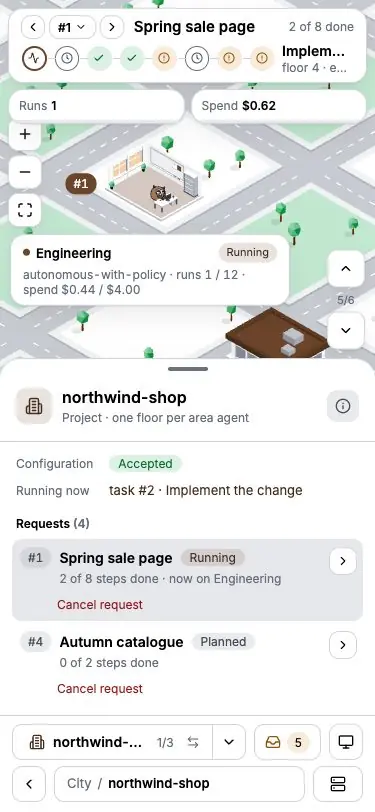
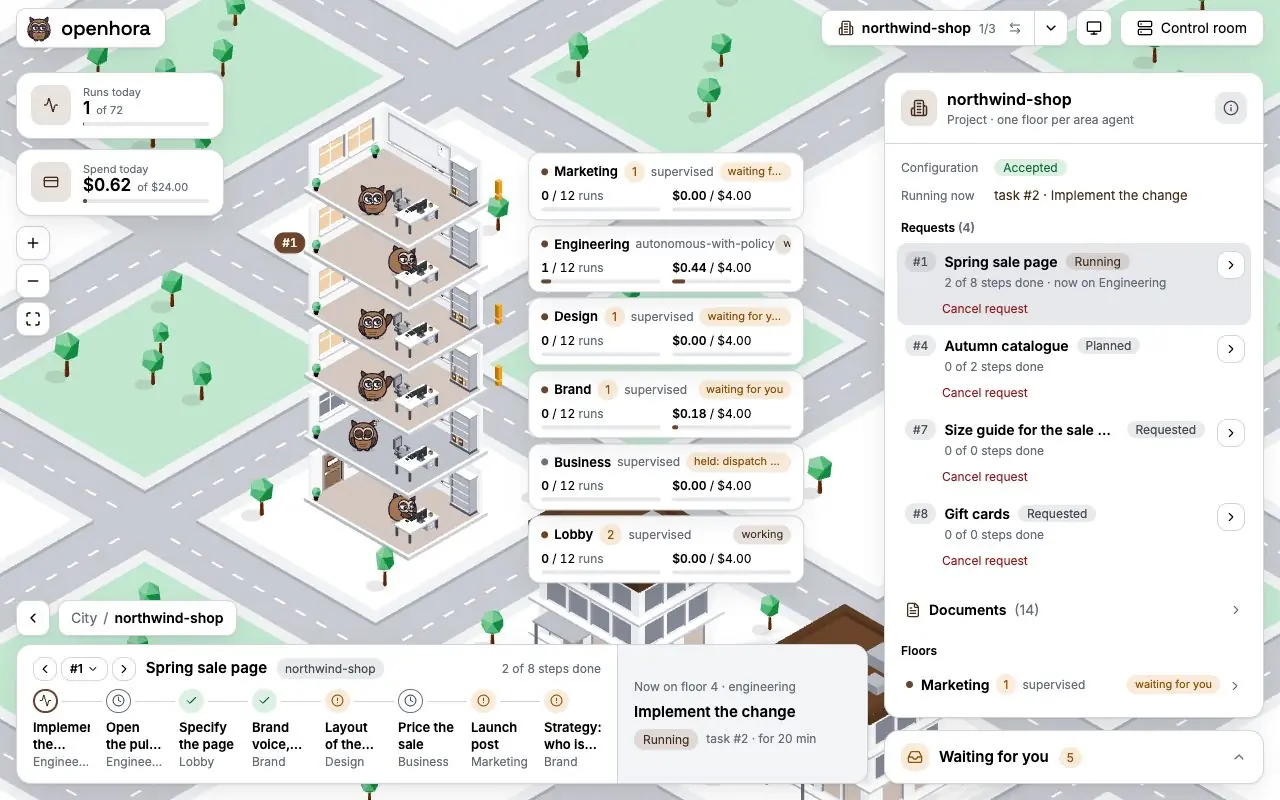
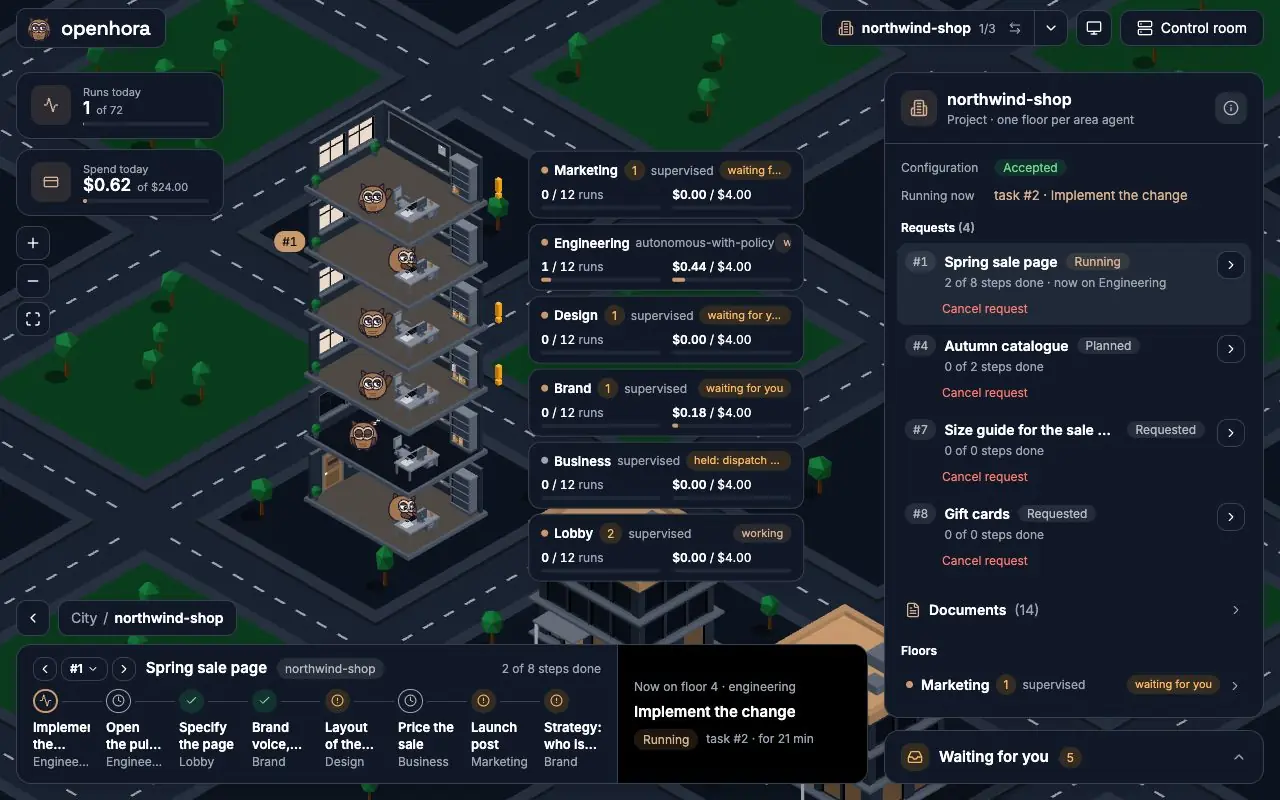
A cutaway of the project's building, one floor per area agent, each floor lifted clear of the one below

It shows a plate beside each floor with the agent's name, a state dot, a decisions badge, its mode word and its state, and two meters of the day.
local service · 127.0.0.1fictional data
A Building, fictional data: six floors with owls working, waiting and idle, the plates with state and meters, and the project panel with its requests.A Building, fictional data: six floors with owls working, waiting and idle, the plates with state and meters, and the project panel with its requests.A Building, fictional data: six floors with owls working, waiting and idle, the plates with state and meters, and the project panel with its requests.A Building, fictional data: six floors with owls working, waiting and idle, the plates with state and meters, and the project panel with its requests.
Screenshot of the local interface, fictional data · interface/README.md

03 / 05

Floor

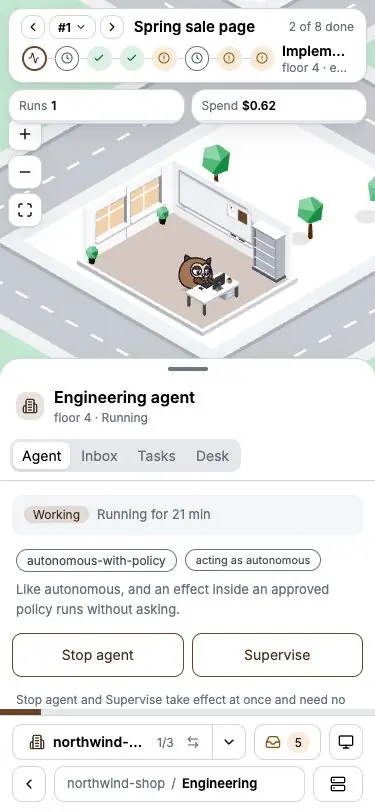
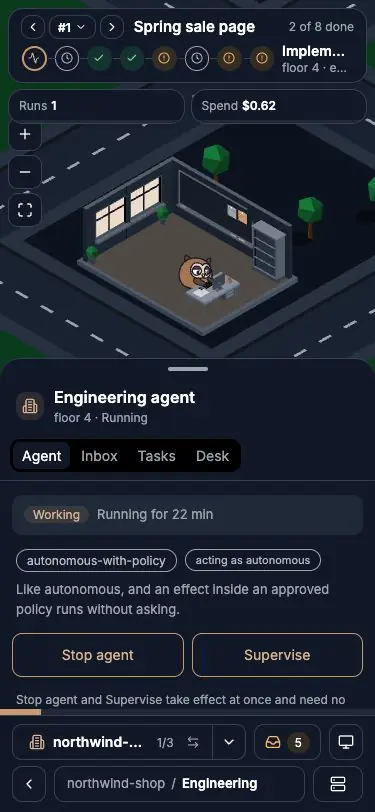
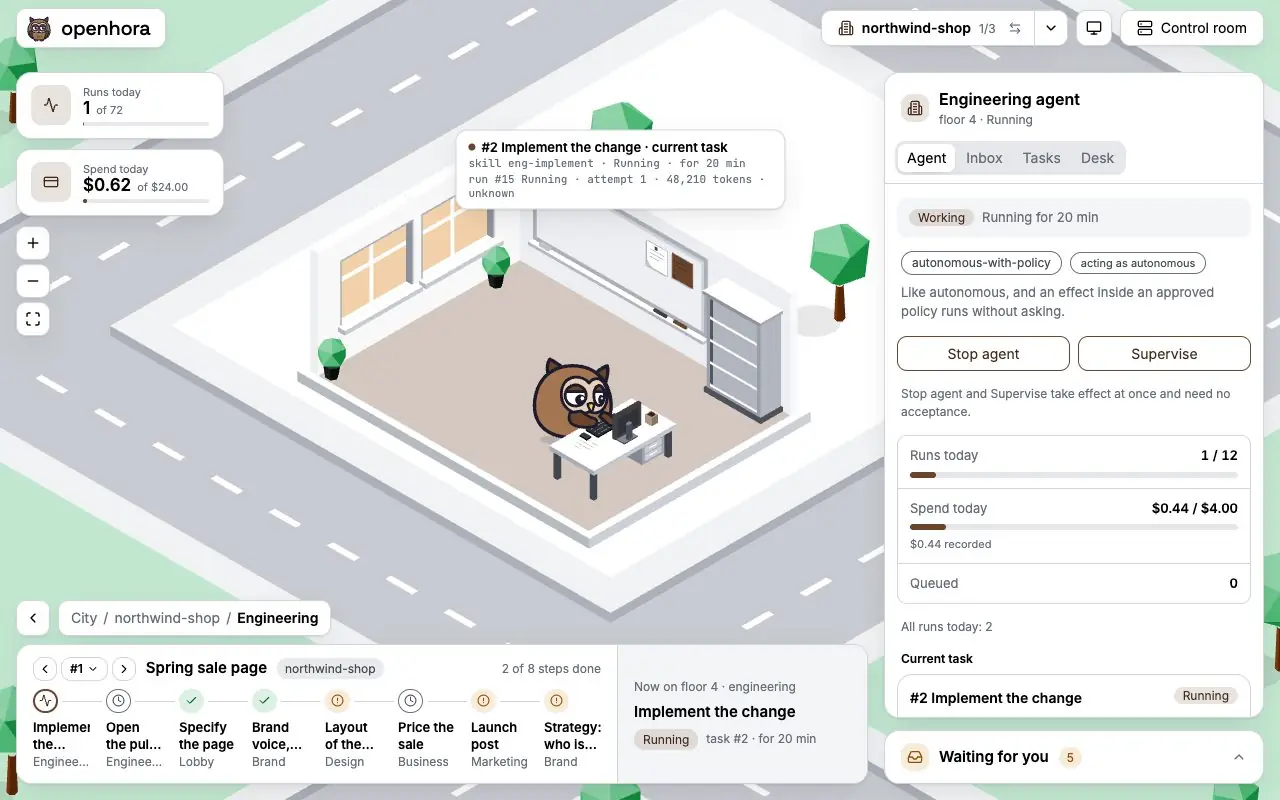
One agent's room: the owl at its desk

It shows a board of notes, an open bookcase with one binder per document, and the panel's tabs Agent, Inbox, Tasks, Desk.
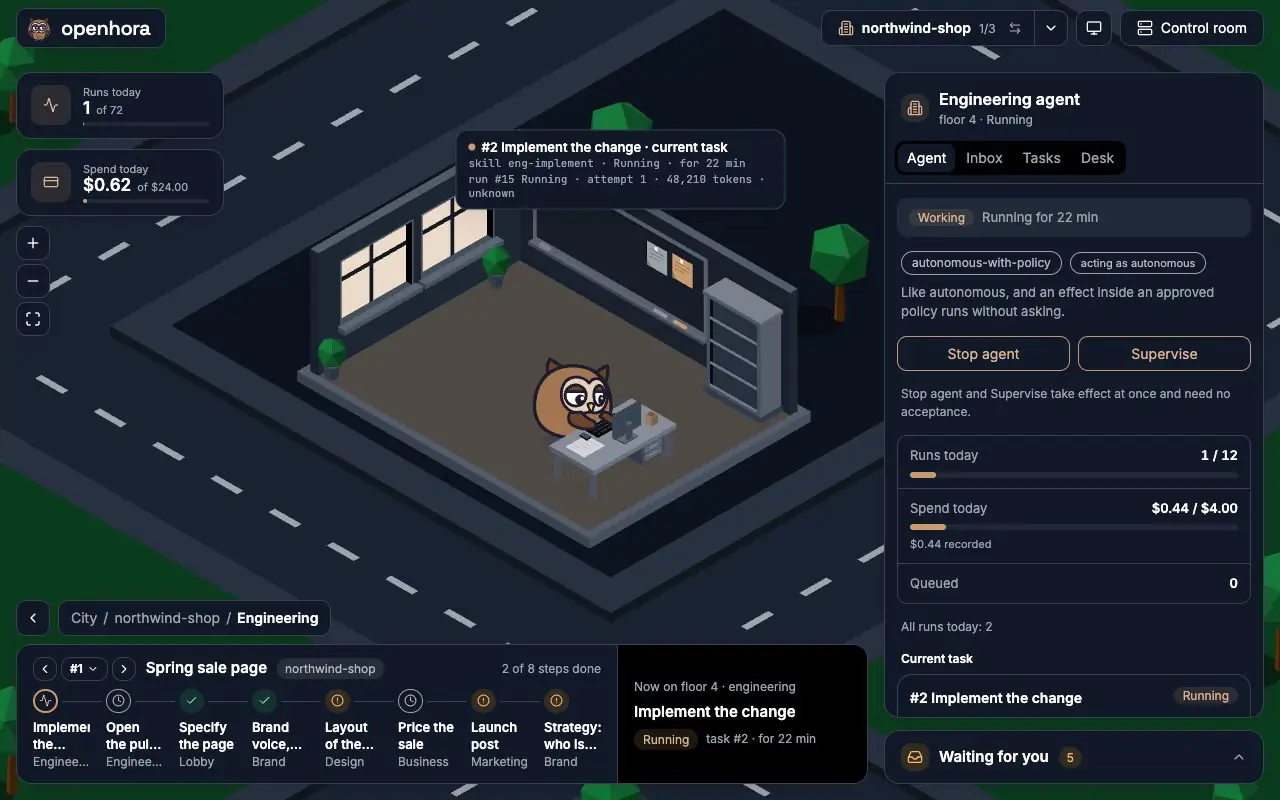
local service · 127.0.0.1fictional data
A Floor, Agent tab, fictional data: the working owl at its desk, the mode, the meters of the day and the current task.A Floor, Agent tab, fictional data: the working owl at its desk, the mode, the meters of the day and the current task.A Floor, Agent tab, fictional data: the working owl at its desk, the mode, the meters of the day and the current task.A Floor, Agent tab, fictional data: the working owl at its desk, the mode, the meters of the day and the current task.
Screenshot of the local interface, fictional data · interface/README.md

04 / 05

Lobby

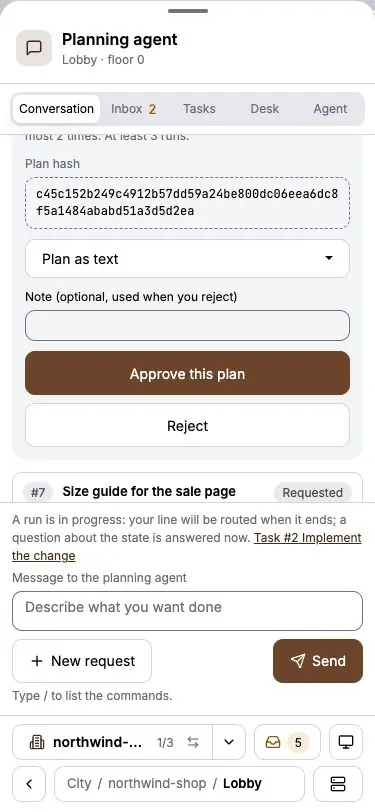
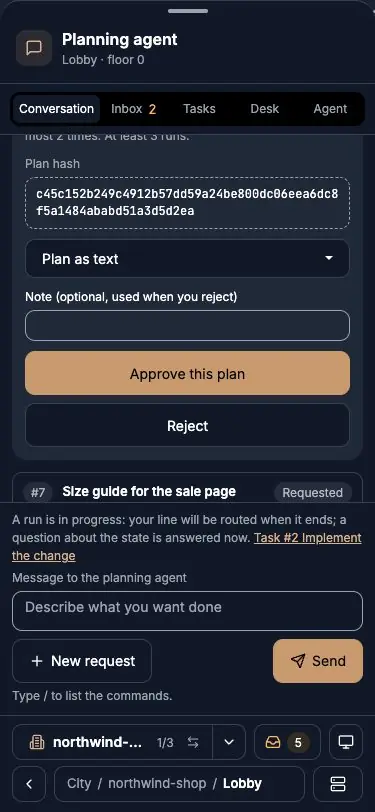
The planning agent's room

It shows the Conversation, Inbox, Tasks, Desk and Agent tabs, a request form, request lines and a plan card with the whole plan hash and “Approve this plan”.
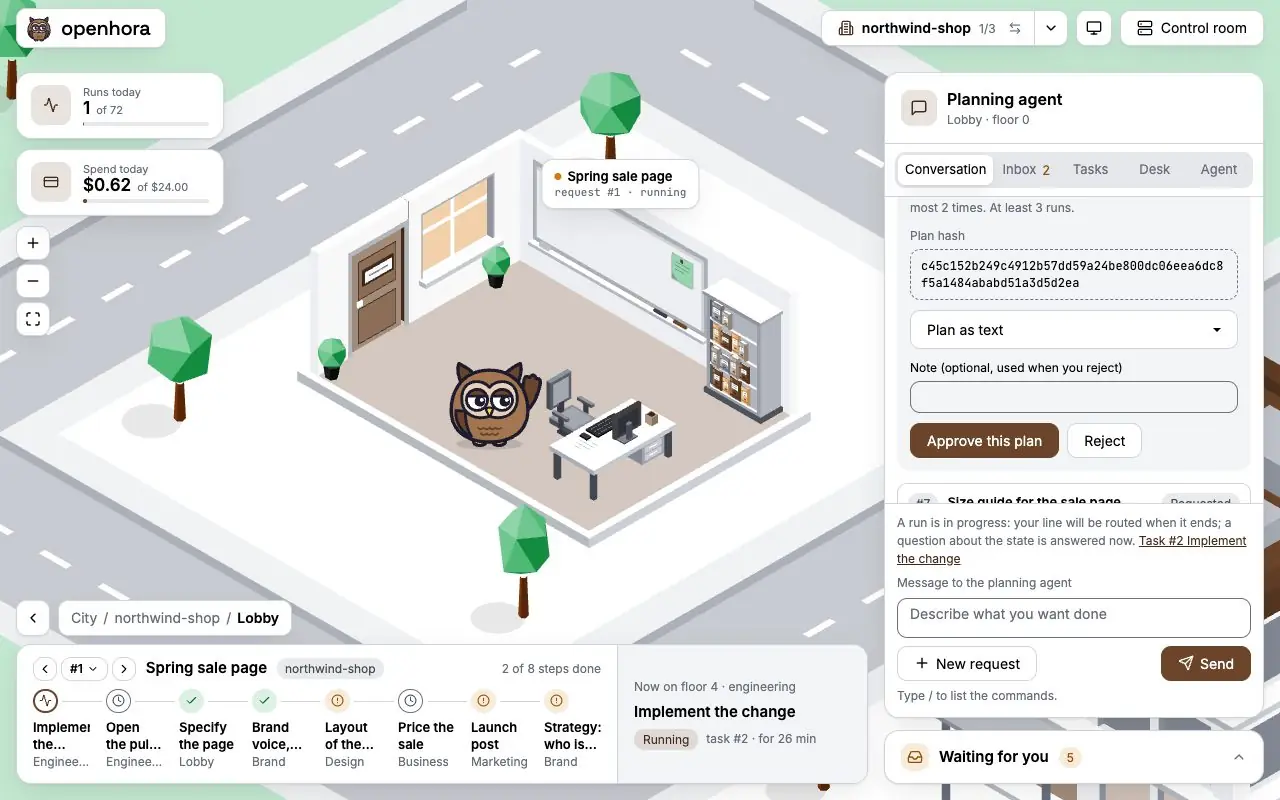
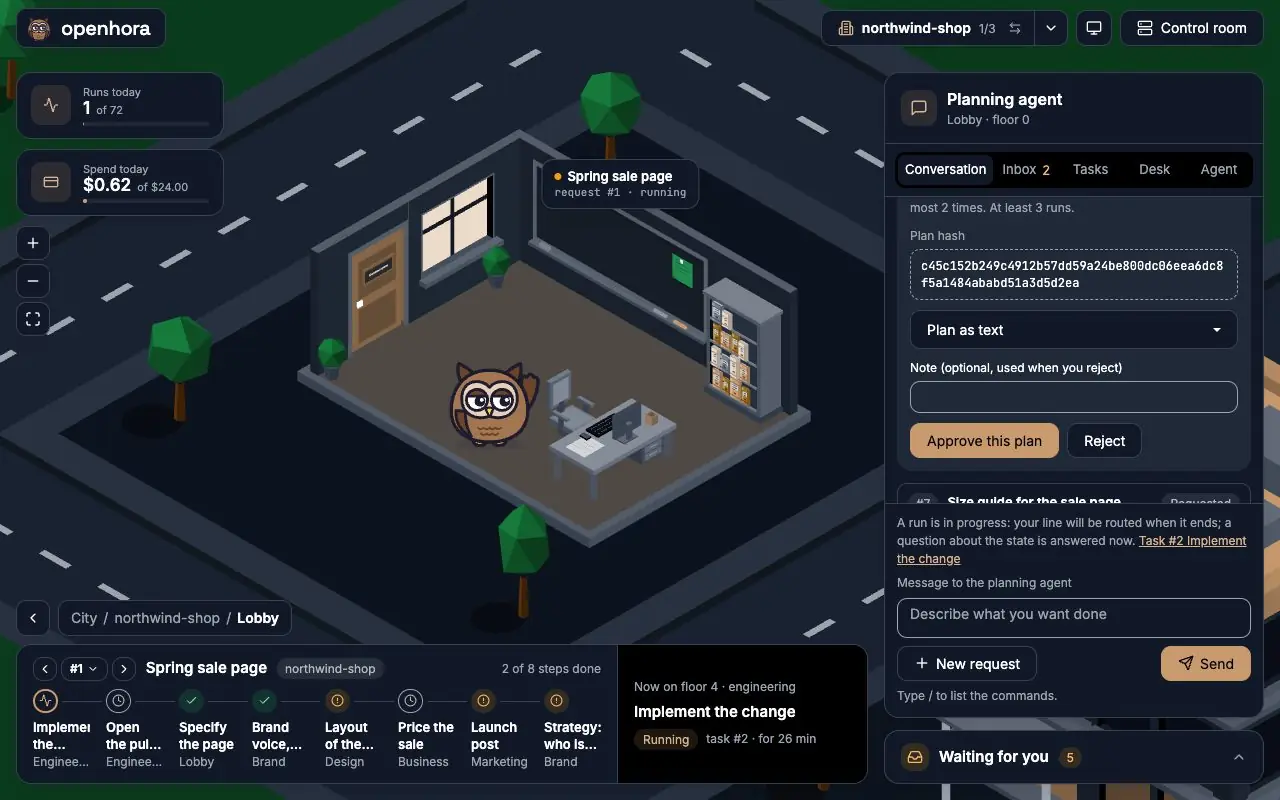
local service · 127.0.0.1fictional data
The Lobby, Conversation tab, fictional data: a plan card with tasks, limits, the whole plan hash and Approve this plan, among the request lines.The Lobby, Conversation tab, fictional data: a plan card with tasks, limits, the whole plan hash and Approve this plan, among the request lines.The Lobby, Conversation tab, fictional data: a plan card with tasks, limits, the whole plan hash and Approve this plan, among the request lines.The Lobby, Conversation tab, fictional data: a plan card with tasks, limits, the whole plan hash and Approve this plan, among the request lines.
Screenshot of the local interface, fictional data · interface/README.md

05 / 05

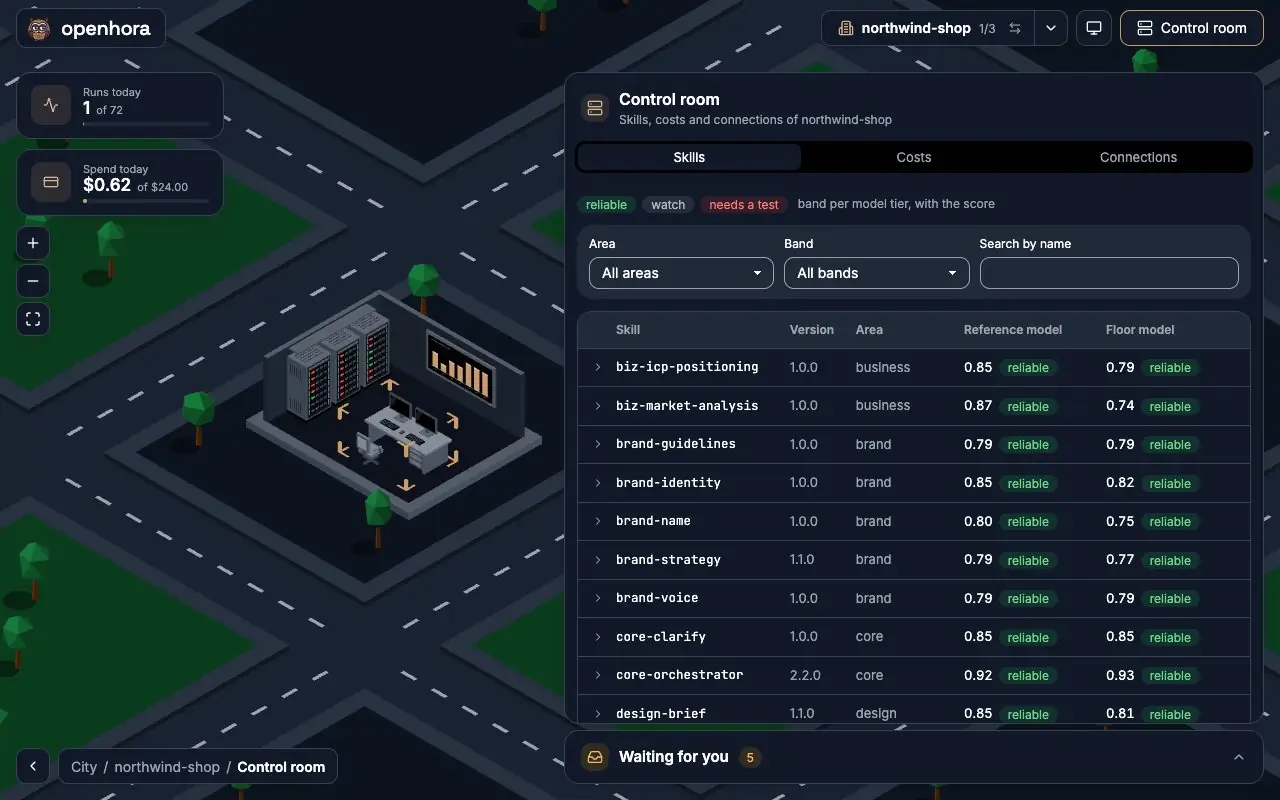
Control room

A server room

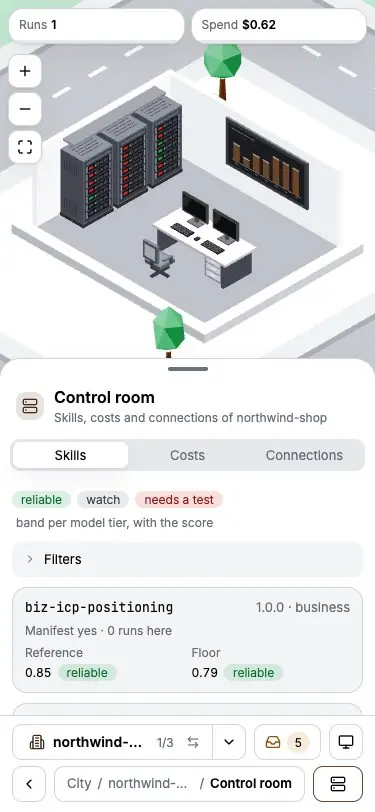
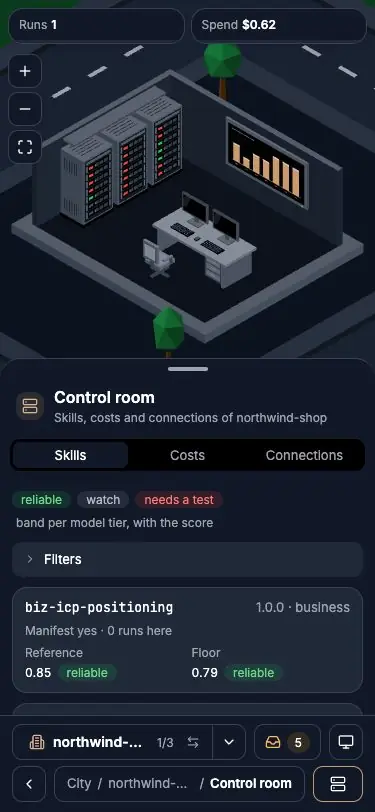
It shows the Skills, Costs and Connections tabs; the Skills list shows the workbench's own skills, versions and bands at the captured commit.

Not fictional: the skills, versions and bands are the workbench's own at the captured commit.
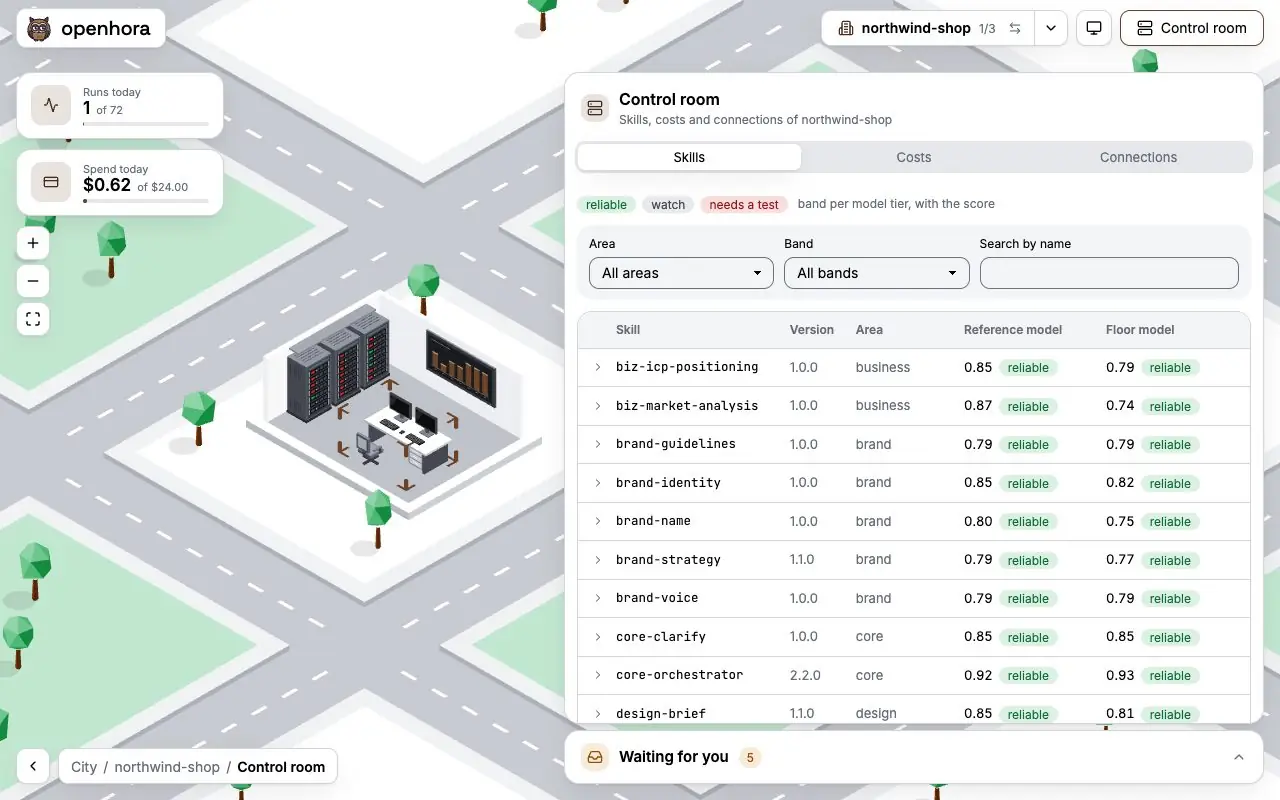
local service · 127.0.0.1fictional data
The Control room, Skills tab: the workbench's own skills with version, area and the band of each lab model, at the captured commit.The Control room, Skills tab: the workbench's own skills with version, area and the band of each lab model, at the captured commit.The Control room, Skills tab: the workbench's own skills with version, area and the band of each lab model, at the captured commit.The Control room, Skills tab: the workbench's own skills with version, area and the band of each lab model, at the captured commit.
Screenshot of the local interface, fictional data · interface/README.md
03

The owl's three states

  • Waiting

    faces the person; one wing raised and waving. No question mark.

  • Working

    turned three-quarters to its desk; both wings on the keyboard, tapping in turn.

  • Idle

    standing, eyes shut, breathing slowly, three small z rising.

“The owl is not a progress indicator.”

04

Who holds the power

the page can only take power away

From the page, a person can stop an agent or lower its mode at once; widening what an agent may do is done only in the terminal.

fictional Engineering agent · northwind-shop

Pick a mode

A move down applies at once. A move up is refused here: a wider mode is set in the terminal.

contracts/runtime.md · runtime/autonomy.py · runtime/cli.py set-mode · interface/js/floor-model.js

05

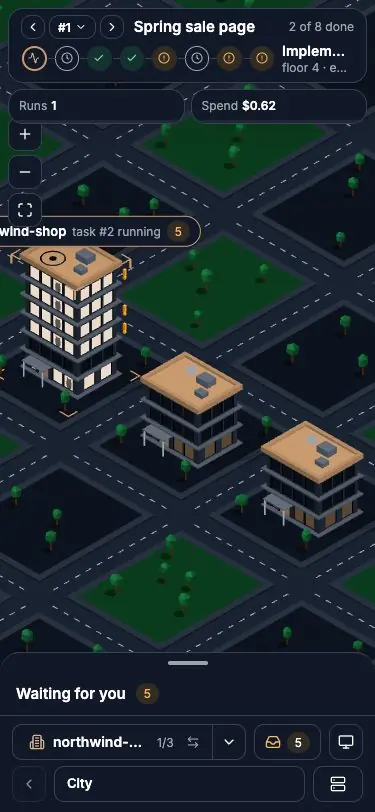
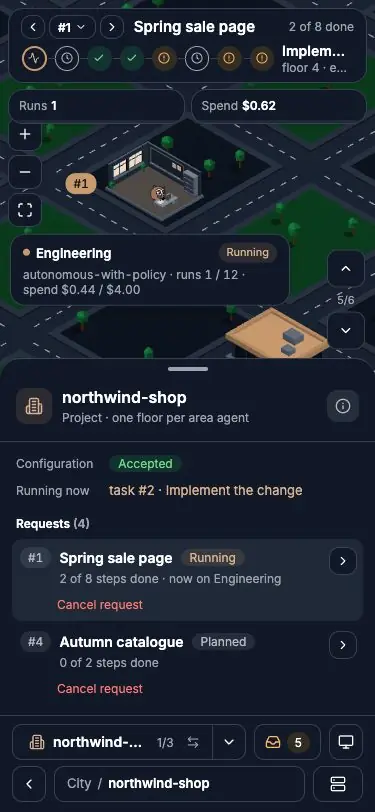
Light, dark, phone

One colour-mode button cycles System, Light, Dark; the icon (monitor, sun, moon) shows which. System, the default, follows the system's scheme. Nothing is stored: a reload starts on System.

06

How to open it

on your own machine
terminalrepository root
$ uv run --with keyring==25.7.0 python3 runtime/service.py --project <dir># binds 127.0.0.1 by default

runtime/README.md · open on main